Linear and Radial gradients – visually explained
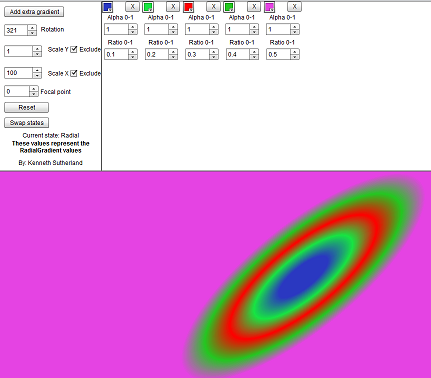
I was playing around with some code recently (Flex 4 code) and I went to create a simple background and not having Catalyst or similar to output a fxg file I went to create my own gradients with some code. After a couple of goes and not getting anything resembeling what I expect I decided to write a quick explorer.
I’ve done something similar ages ago with flex 3, so I thought I’d do this with flex 4 and perhaps look to expand it as an example of reskining an app with different skins. (source code may follow when I do this) So here is the first step. A simple explorer to help understand the values that are used to make a Linear or Radial gradient along with the entries that make the look how they look.
I think it should be self explanatory, but if not just post a comment.
Follow the link to open the explorer.
[ad name=”ad-1″]